VRMFrontView
- ダウンロード商品FREE¥ 0無料ダウンロードVrmFrontView_1.4.4.zip(67.9 MB)VrmFrontView_1.4.4.zip
- ダウンロード商品Support me! (same as Free)¥ 500
- ダウンロード商品Support me + Premium Extras¥ 1,000
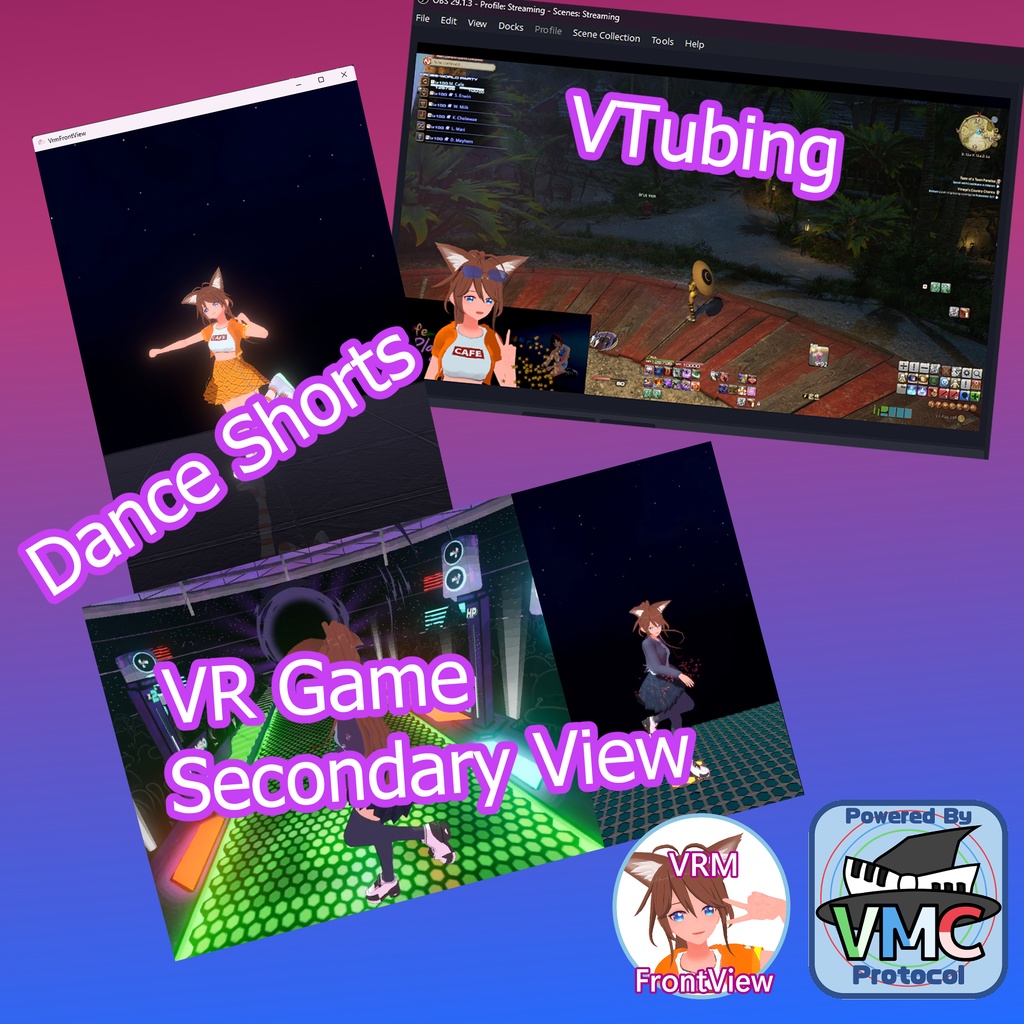
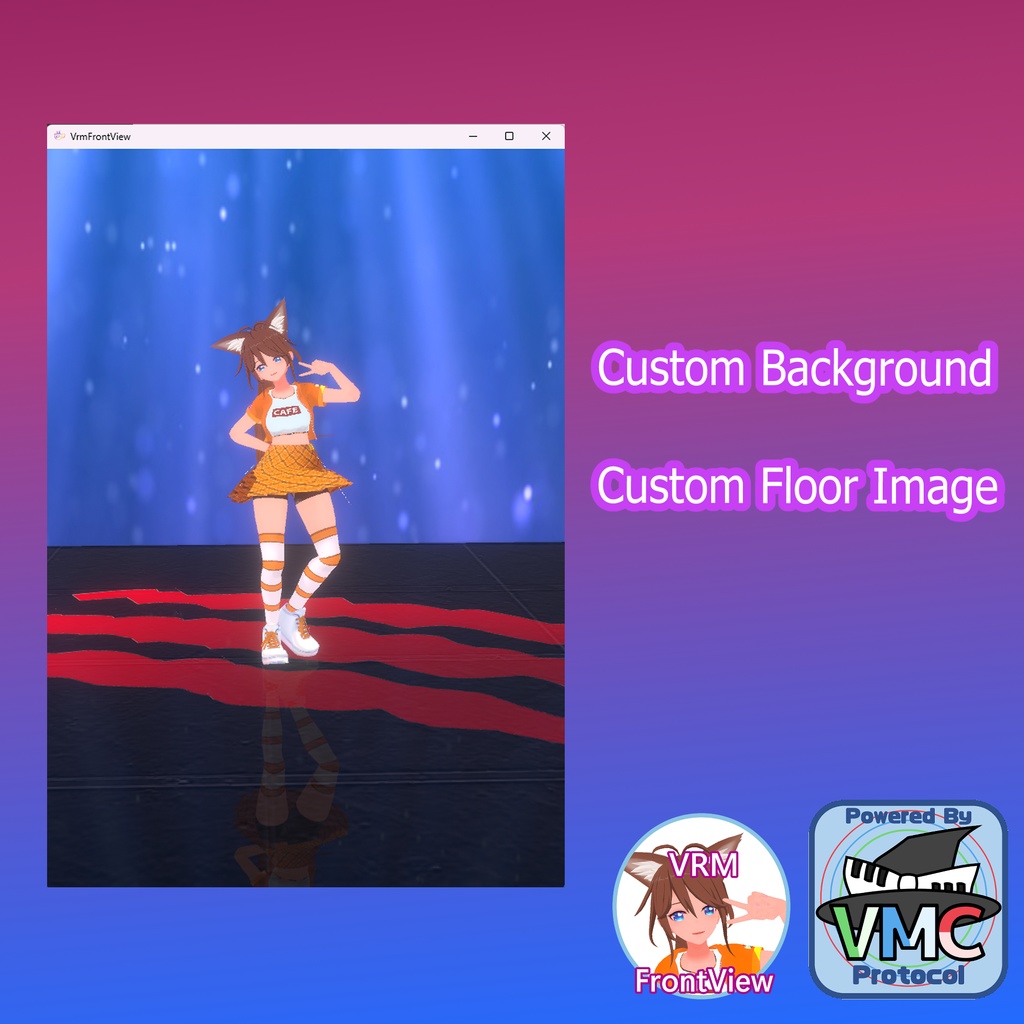
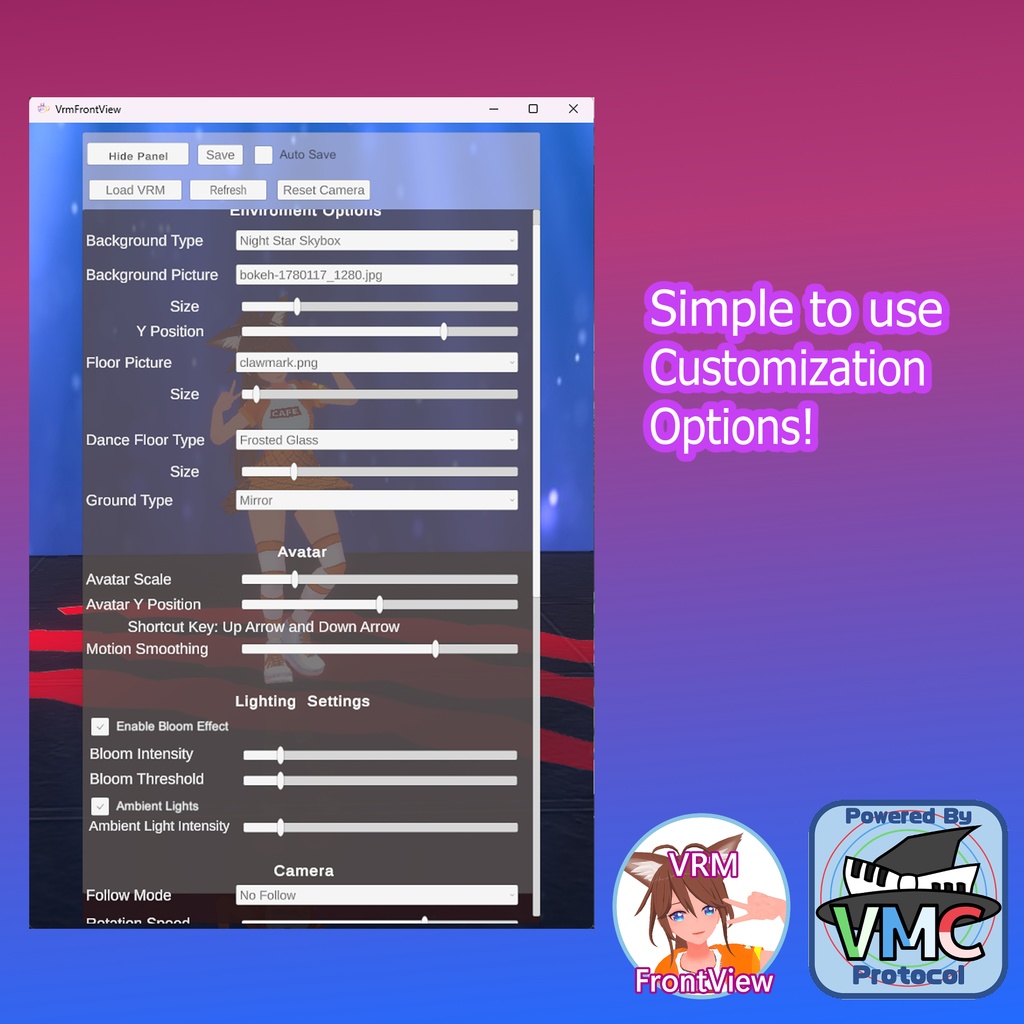
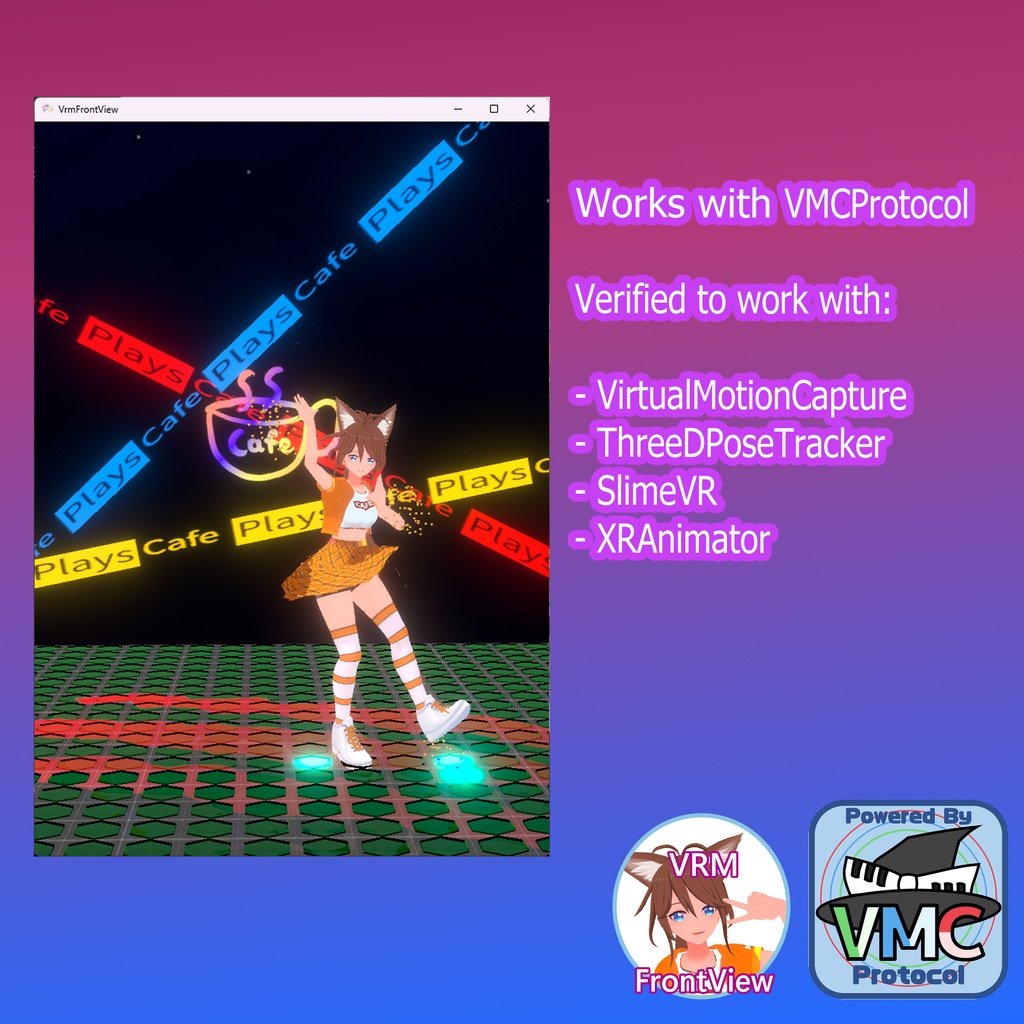
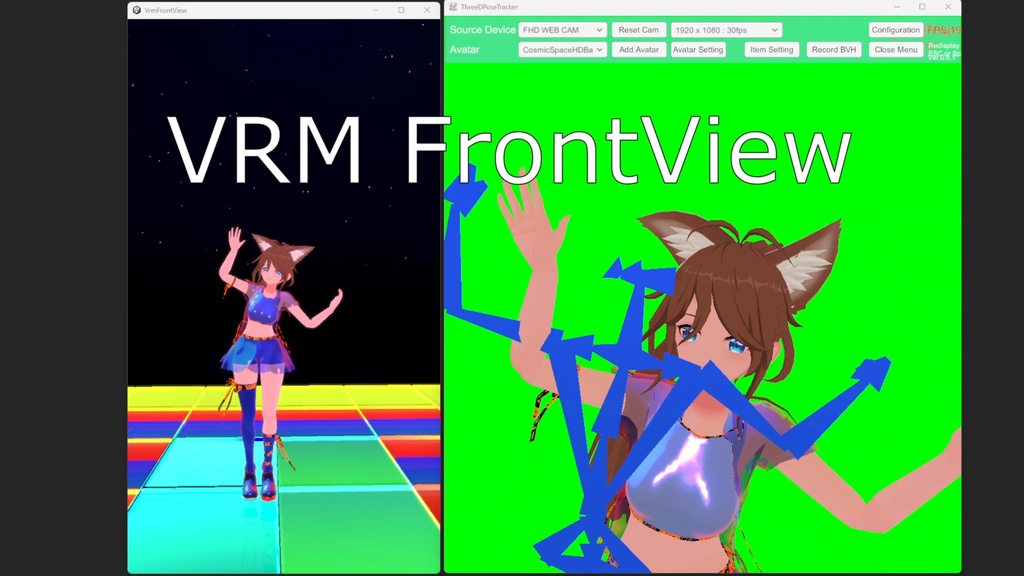
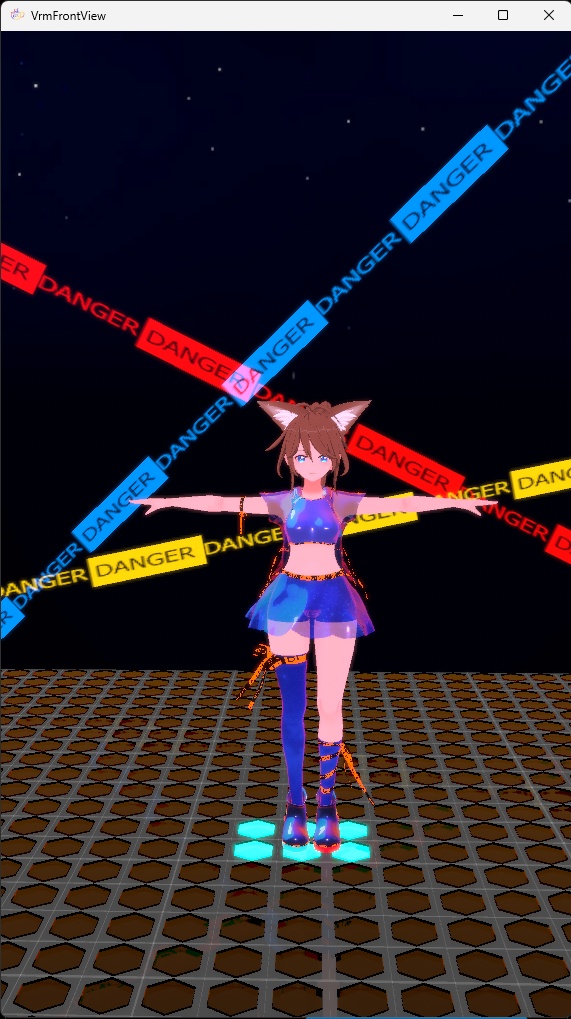
This application is provided FREE! Payment is only for supporting me or if you want the optional danger platform backdrop How to use: https://cafeplays.fanbox.cc/posts/9550193 Support Me: https://cafeplays.fanbox.cc/ VRMFrontView allows you to record gameplay using your own avatar. With LIV MR mode, you can overlay your VRM (VRM 1.0 supported) onto your games and simultaneously use a separate camera for a facecam. # Features - VRM0 and VRM1(experimental) - SteamVR Tracker Support - Steam Mirror Overlay Support - VMC(Virtual Motion Capture) Protocol Receiving and Transmitting - Custom Background (supported files: png, jpg, mp4) - Hotkey mapping for Blendshapes and Camera control - VR Chat OSC Sending (DanceDash Bodylink Compatible) - MMD Player and Recorder - Spout2 support - Lip syncing - And More! Tested and confirmed to work with: - VirtualMotionCapture - ThreeDPoseTracker - SlimeVR - XRAnimator # Audio Link This Application has Audiolink, to use audio, you will have to use virtual audio cable (or some way to record sound) # Custom Backdrops Guide: https://youtu.be/iuoXdvQw7xw Unity project here: https://github.com/cafeplays/SampleBackdrop # Support If you have any questions, join my discord: https://discord.gg/3CY8sH9HkG # Credits & References EVMC4U (https://github.com/gpsnmeajp/EasyVirtualMotionCaptureForUnity) Virtual Motion Capture (https://github.com/gpsnmeajp/VirtualMotionTracker) PoiyomiToonShader (https://github.com/poiyomi/PoiyomiToonShader) Audiolink (https://github.com/llealloo/audiolink) Melodi Shader
Terms of use
- I am not responsible for how you would use this app! (just do not do anything illegal) - Please do not redistribute without permission - Crediting me would be greatly appreciated! (^_^)/